Babel
Your whole library, in one place
- Role
- Design, API, app and deployment
- Status
- In development (app 0.69)
- Stack
In the app
Features
Your library
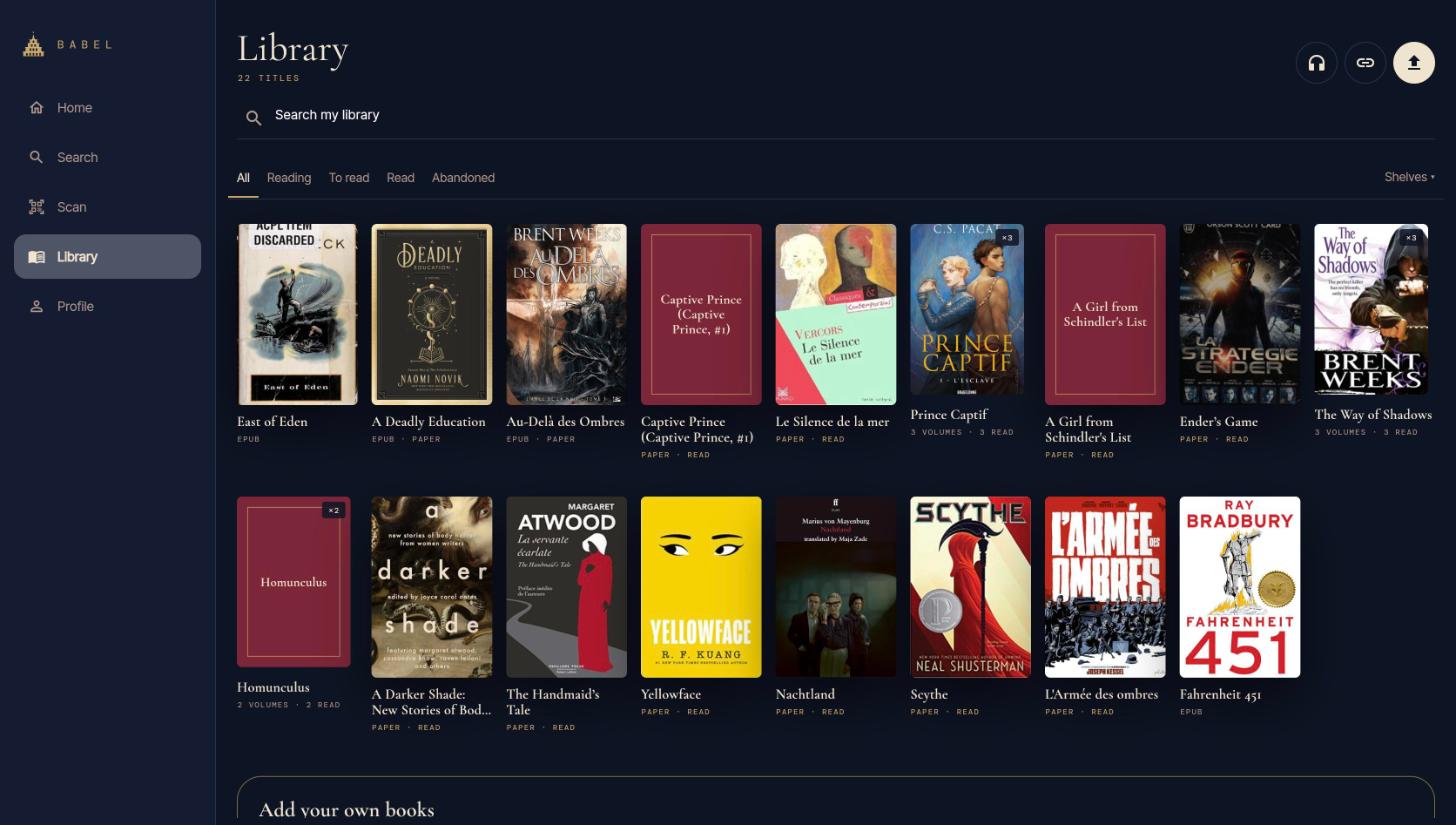
Everything in one place
Paper books, ebooks, audiobooks, comics and fanfiction on the same shelves. Import your own EPUB, PDF, CBZ and M4B files. A book can be both on paper and on your e-reader.
Your sources, everywhere
Connect your own sources: GitHub, OPDS, WebDAV, Nextcloud, AO3 and more, with encrypted tokens. Metadata comes from Hardcover, Open Library, Wikidata, TMDB, Goodreads, Booknode and Pagebound.
Import by link or share
Paste or share a link (AO3, Gutenberg, a direct file), or use "Open with Babel" from Android, iPhone, Mac or the web app.
Fanfictions that follow you
Follow ongoing AO3 fanfictions: a daily check updates the book when a chapter appears, a cover is generated when there is none, and a push alert tells you.
Files stored once
A single copy of each file, identified by its SHA-256 fingerprint: if a book is already on Babel, it downloads directly instead of being uploaded again. Downloads get a clean name, such as "Author - Series 02 - Title.epub".
Duplicates merged
Two copies of the same book? Keep one: it takes the status, progress, shelves and paper or e-reader marks of the other, which is removed.
Clean up what you finished
Delete the file of a book you read and keep your stats, notes and reviews. Clean several books in one go.
Find and read
Scan and search
Search by title, author or tag. Scan an ISBN barcode (cover recognition is experimental), even with a webcam, scan a stack of paper books in a row, or add one by hand.
Search AO3
Tick the AO3 source to search fanfiction by tags (all or any, with suggestions, or excluded), fandom, kudos, hits, words, language, status and date, sort the results and save your searches. The app asks AO3 straight from your device and falls back on the server.
Comics, manga and webtoons
CBZ reading left to right, or right to left for manga (ComicInfo), a vertical mode for webtoons, zoom, and notes on a single panel you can share.
Reading comfort
Light, dark, e-ink and Art deco or Art nouveau themes. Dyslexia-friendly fonts (Lexend, Atkinson Hyperlegible), size, line spacing and contrast. E-ink mode switches itself on for a BOOX.
Translation
Translate a passage or a whole book from the reader, with a self-hosted LibreTranslate and MyMemory for excerpts. The translated book joins your library.
Books and their adaptations
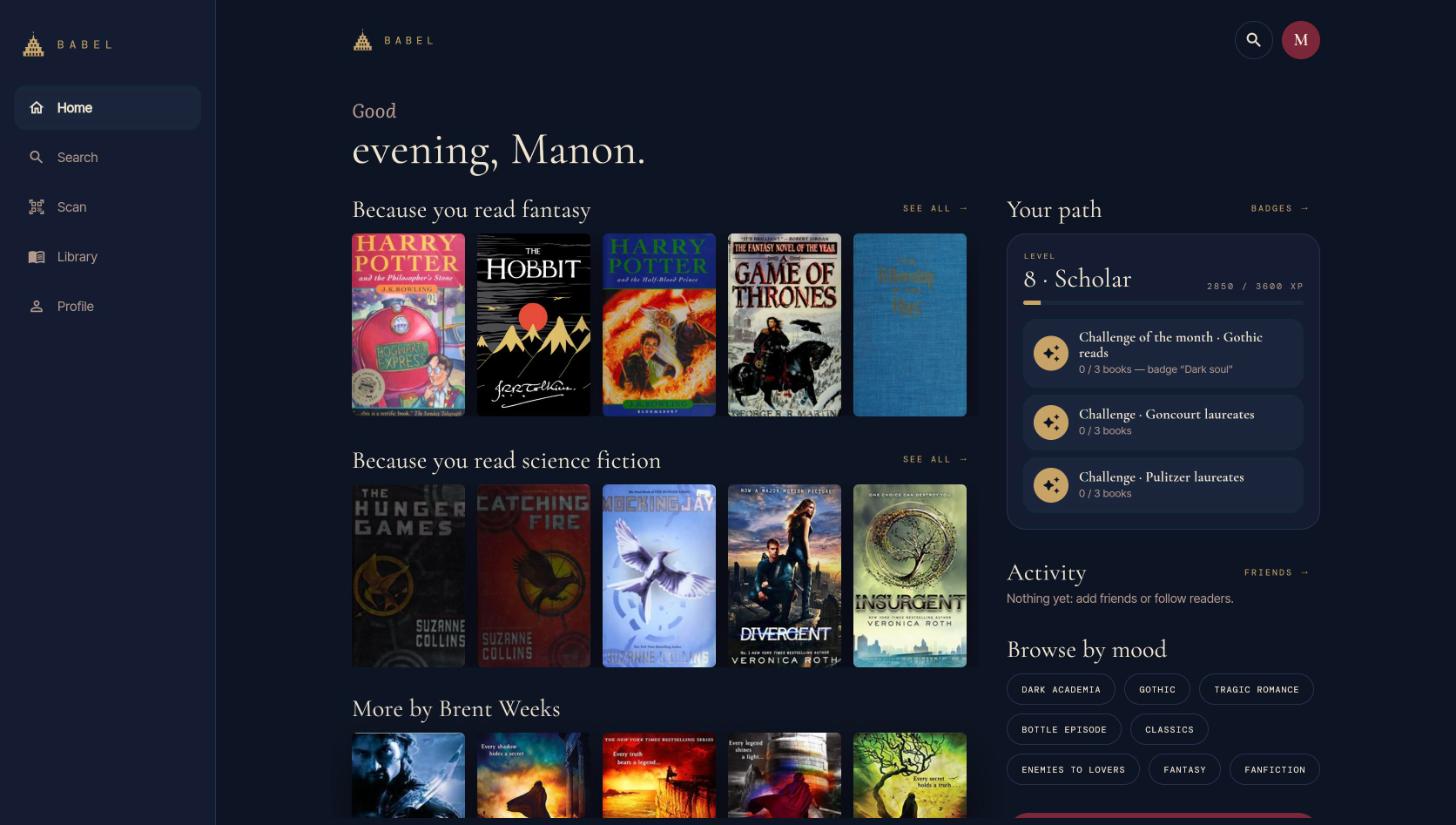
Wikidata and TMDB link a book to its adaptations, related works, films and series, with posters.
Share and follow your reading
Notes in the margin
Highlight, comment and find your favourite passages again. Comments appear at the page where they were written, friends first.
A shared library
Every book readers share can be added to your library without uploading it again (fanfiction only when its reader chooses to). A file can be reported: the admin reviews it, and a kill switch closes the whole library if needed.
Reviews and friends
Read, write and answer reviews. Find readers in the directory, follow them and see what they read, their notes, their library and their recommendations.
Your reading, in numbers
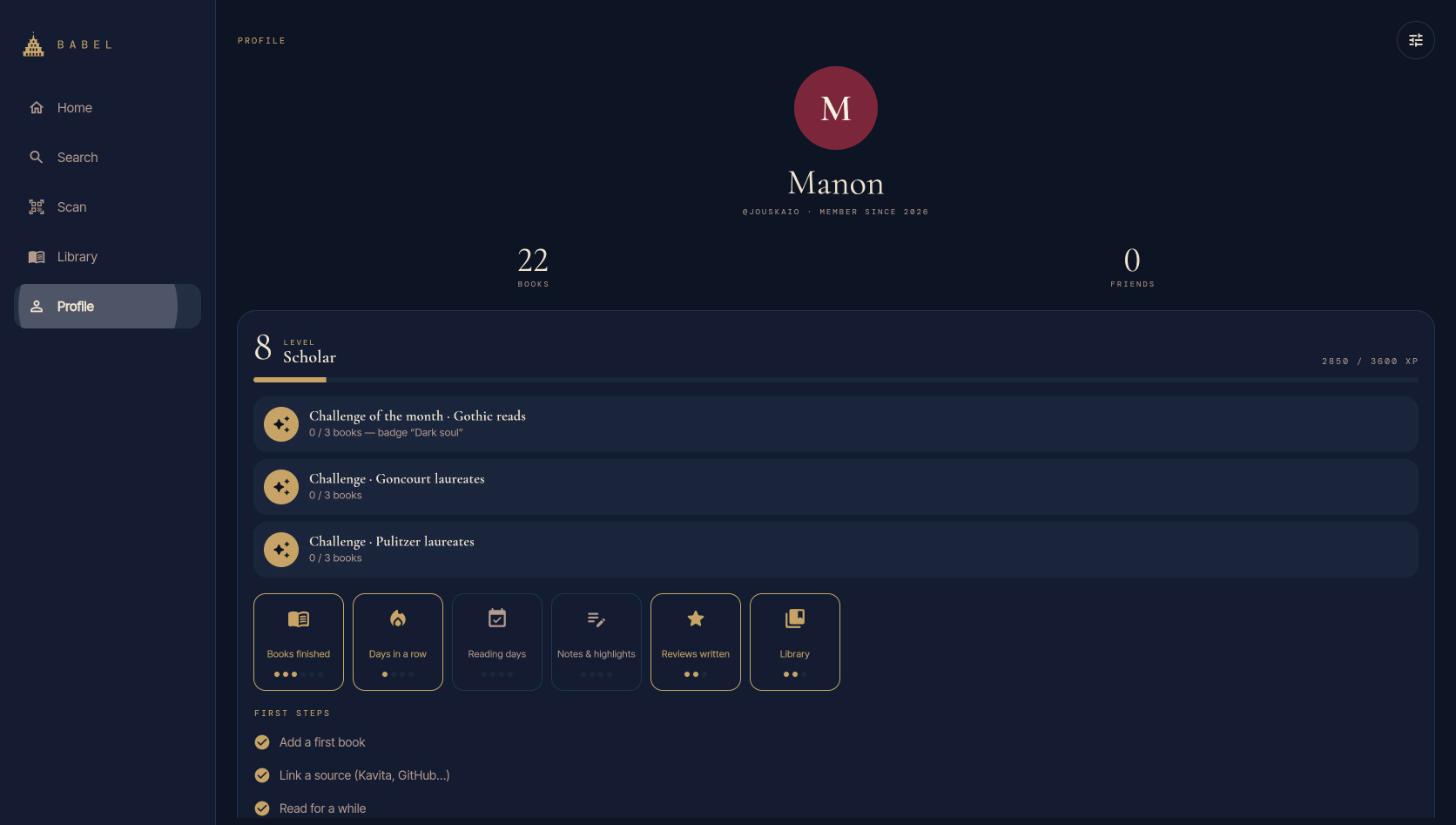
Statistics, goals, XP, levels and badges, plus monthly and yearly Wraps you can share as an image.
Challenges of the month
A genre challenge and literary prizes from Wikidata, subjects from Open Library, a variety of authors and countries, and daily updates of prizes and playlists.
On every device
E-reader sync
The KOReader plugin syncs your progress (kosync) and your books through WebDAV, sends your finished books and highlights to Babel, and downloads the books marked "On my e-reader" as soon as the e-reader is online, with an optional clean-up of finished ones. It installs and updates from the KOReader App Store. Kobo support is planned.
Resilient to network loss
In the metro or a bookshop, scans, searches, additions, progress and notes wait in a queue and are replayed when the network is back, without duplicates. Your library and shelves stay readable offline, and each device keeps its own offline copy.
One app everywhere
Phone, tablet, desktop, web and BOOX from a single Flutter client. Features are enabled per device, and the ones a device cannot do are greyed out.
Apps to download
A download page for the Android app and the Mac app, with updates offered along with the list of what is new, and an install guide for the KOReader plugin. Google Play and the App Stores come later: on iPhone, add the web app to your home screen meanwhile.
Yours to run
Accounts with roles (admin, premium, public) and invitations, plugins the admin installs and each user activates, quotas, connectors switched on or off, the health of each source, reported files, nightly database backups and an uptime check.
How it is built
- The app is a pure client: it shows data and sends requests, with no secret and no server logic.
- One OpenAPI contract: the Dart client is generated from it, so the app and the API cannot drift apart.
- Every route is versioned under /v1: a breaking change opens /v2 and older installed apps keep working.
- Offline first: actions are stored in a persistent outbox and replayed in order with backoff. Every write carries an idempotency key, so a replay never creates a duplicate.
- Each source is an isolated connector with its own cache and switch: one failing source never breaks the API.
- API and app ship independently, with their own CI, versions and tags, following git flow.